
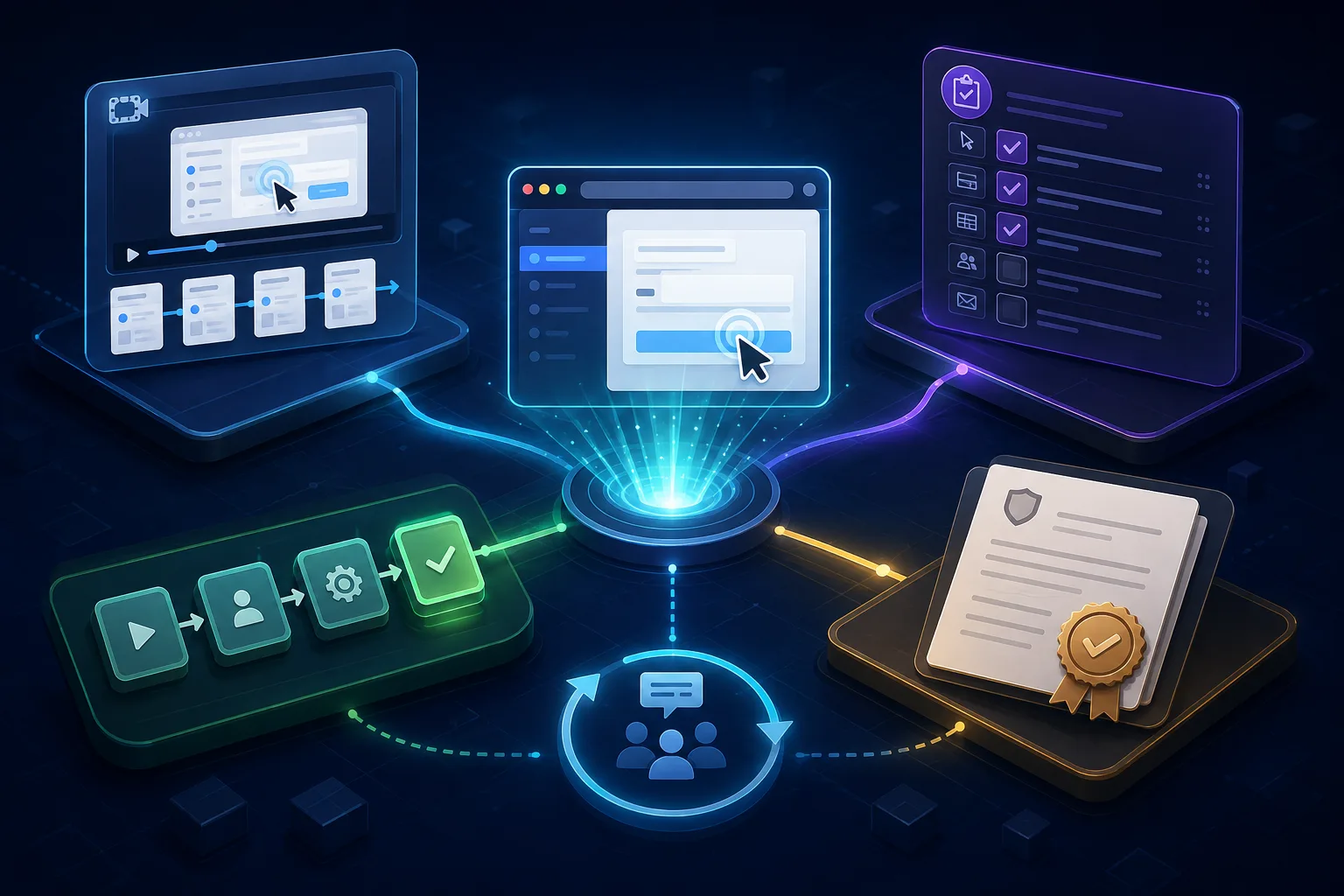
The best process documentation software is not necessarily the product that creates the prettiest document. It is the one that preserves the evidence your process needs and gets the current instruction to the person doing the work. Sometimes that evidence is a recorded browser task. Sometimes it is an approved policy, an assigned checklist, a training record, or a map of handoffs. Treating those artifacts as interchangeable is how teams buy an impressive tool and keep an unreliable process.
Best process documentation software by required evidence
| Product | Best-fit evidence | Strongest use case | Important boundary |
|---|---|---|---|
| stepvideo | Demonstration plus written steps | Repeatable work performed in a browser | Not a policy repository, workflow engine, or compliance system |
| Scribe | Captured screenshot guide | Fast documentation of work across tools | A guide does not itself enforce execution |
| Tango | Step guide with screenshots and highlights | In-the-flow software help and onboarding | Still images do not preserve continuous motion or timing |
| SweetProcess | Central operations manual | Organizing processes, procedures, and tasks | The source procedure still has to be observed and validated |
| Process Street | Controlled workflow and audit evidence | Recurring operations where rules and execution must connect | More system than a simple how-to page may require |
| Trainual | Training and accountability record | Employee onboarding, knowledge, testing, and roles | Training administration does not automatically capture the live task |
| Lucidchart | Process diagram | Showing sequence, ownership, decisions, and systems | A map rarely contains enough detail to perform the task |
This is not a seven-way race toward one finish line. A mature process may use Lucidchart to explain the system, stepvideo to demonstrate a browser task inside it, Process Street to assign the recurring run, and a controlled repository to hold policy. The buying decision is which missing layer currently causes errors—not which vendor page contains the most uses of the word AI.
First decide what process documentation means
A process is a repeatable path from an input to an outcome. Documentation can describe that path at several resolutions. A process map might show that Support escalates a refund to Finance. A procedure explains the conditions and responsibilities. Work instructions show exactly how Finance issues the refund. A checklist records that a particular case actually passed each control. One topic can need all four, but one artifact should not pretend to be all four.
| Record | Question it answers | Typical format | Failure when missing |
|---|---|---|---|
| Observed work | What did the expert really do? | Screen capture, interview, activity evidence | The documented process describes an ideal that nobody follows |
| Instruction | How should a worker complete this task? | Steps, screenshots, video, warnings | People improvise details and repeat avoidable errors |
| Execution | Was this instance completed correctly? | Assigned checklist, workflow, approval record | A readable SOP exists but work bypasses it |
| Governance | Who approved it, and which version is current? | Owner, status, review date, permissions, history | Old and unofficial instructions circulate |
| Improvement | Where does the process fail or waste effort? | Map, metrics, exceptions, feedback | Documentation freezes current inefficiency in place |
That model also clarifies the role of automated process documentation software. Automation can observe clicks, capture screenshots, transcribe speech, suggest wording, format a guide, or route a review. It cannot decide on its own that the observed workaround is authorized, safe, accessible, or the best process. The software reduces transcription labor; accountable people still establish truth.
Eight buying criteria that survive the sales demo
- 1Capture fidelity: Does the tool preserve the actions, decisions, values, timing, and outcome that make the procedure reproducible?
- 2Editing granularity: Can an owner correct one step, screenshot, sentence, warning, or clip without rebuilding the whole document?
- 3Delivery context: Can people find the approved instruction in the browser, knowledge base, training path, or task system where they need it?
- 4Execution support: If the process must be run and recorded, can the system assign instances, require evidence, route approvals, and handle exceptions?
- 5Governance: Are owner, reviewer, status, effective date, history, permissions, and retirement visible enough for the risk?
- 6Accessibility and export: Are text alternatives, captions, readable screenshots, stable links, printable output, and portable source formats available where required?
- 7Sensitive-data handling: Can creators avoid, blur, redact, restrict, retain, and delete personal or confidential information across every output?
- 8Maintenance signal: Can the team discover that the real workflow changed, identify affected documents, and verify the correction reached workers?
1. stepvideo: best for browser procedures in video and text
stepvideo starts where many process documents become unreliable: the expert performs the task in the actual browser application. The extension records ordinary footage and structured interaction evidence such as clicks, typing, navigation, scrolling, element geometry, and timing. That evidence helps turn the demonstration into proposed steps, remove idle time, and direct attention toward meaningful actions.
The same capture becomes an edited tutorial video, per-step narration, AI voiceover, word-timed captions burned into the MP4, and a written guide with step screenshots. The owner edits a step list rather than a general video timeline. This is useful when support, operations, or enablement teams must serve people who learn by watching and people who need a searchable reference without producing two disconnected sources.
Its scope is deliberately narrow. It does not capture desktop applications, draw BPMN models, assign checklist runs, administer tests, certify workers, or provide regulated document control. Use it as the task-instruction layer inside the repository or workflow system that owns those responsibilities. For the broader method, read how to document a process.
2. Scribe: best for automatically captured step guides
Scribe says it automatically captures how work gets done and transforms institutional knowledge into context that teams and AI tools can read. Its public positioning spans SOP creation, training, answering questions, workflow analysis, and AI-agent context. That makes it a strong shortlist choice when rapid capture and reusable written procedural knowledge are the center of the project.
Evaluate the boundary between documenting a path and governing it. A captured guide can show a best-known sequence, but it does not automatically prove that every run followed the sequence or that an exception received approval. If instance-level accountability matters, test its integrations or pair the guide with a workflow system that owns execution evidence.
3. Tango: best for in-the-flow screenshot guidance
Tango positions its recorder as a way to click through a workflow and produce a step-by-step guide containing screenshots, highlights, and descriptions. Its page also describes link, embed, and PDF sharing. This is an attractive shape for onboarding and software help because the creator documents while doing instead of reconstructing the task from memory afterward.
Choose still-step guidance when the user needs to scan, pause, copy a value, or return to one known instruction. Choose video when motion, timing, hover state, drag behavior, or continuity carries meaning. The question is not whether screenshots or video are universally better; it is which evidence would disappear if you removed one.
4. SweetProcess: best for a centralized operations manual
SweetProcess describes its purpose plainly: document processes, procedures, and tasks in one place. That hierarchy suits a small or growing organization whose immediate problem is scattered operational knowledge rather than sophisticated capture. A centralized manual can establish a shared home, consistent structure, ownership habits, and a navigable view of how work fits together.
A repository solves location only when the content inside it is credible. During a trial, ask a subject expert to document an awkward real process, then ask a different employee to perform it. Count clarifying questions and missing decisions. Fast authoring matters, but a beautifully organized fiction is still operational debt.
5. Process Street: best for governed workflow execution
Process Street currently positions itself as a compliance operations platform that connects policies, workflows, controls, and audit-ready proof. Its public page emphasizes centralizing governed policies and turning them into recurring operational workflows. It belongs on the shortlist when the important artifact is not merely an SOP someone can read, but evidence that a specific case passed required steps and approvals.
That breadth may be unnecessary for low-risk guidance. Do not turn a two-minute browser tip into an administered workflow because controls look reassuring in a demonstration. Reserve instance tracking for work where assignment, branching, proof, due dates, approvals, or exceptions materially change the outcome.
6. Trainual: best for employee knowledge and training
Trainual combines documentation and SOPs with onboarding paths, knowledge search, testing, tracking, reporting, roles, and responsibilities in its training offering. It fits organizations asking not only where is the process? but also who needs to learn it, what role owns it, and can we see learning activity?
Learning records and operational proof are not the same. A passed quiz may show recall; it does not prove a worker completed a customer case correctly. Likewise, a completed checklist may not show understanding. Decide which evidence the risk requires, then test whether Trainual alone covers it or should receive task demonstrations created elsewhere.
7. Lucidchart: best for mapping the whole process
Lucidchart is an intelligent diagramming product, and its current site also describes a Process Accelerator for standardization and governance of process documentation. A diagram is the right lens when people need to see boundaries, decisions, parallel paths, systems, queues, and ownership across a process rather than reproduce one detailed task.
Maps reveal structure; instructions enable action. A box labeled ‘validate request’ might be perfectly adequate in a cross-functional map and dangerously vague to the employee performing validation. Link map nodes to the approved procedure or task guide instead of forcing every field-level instruction into an unreadable diagram.
Run a correction drill before choosing software
- 1
Select one real process with an exception
Use a browser workflow that crosses at least two people or systems and contains one judgment call. A perfectly linear demo hides the hard documentation problems.
- 2
Define the evidence package
Write down whether the trial must produce a map, policy link, task instructions, video, screenshots, assigned run, approval, training record, or some deliberate combination.
- 3
Observe before authoring
Have the subject expert perform the current process while another person records surprises, workarounds, private data, prerequisites, decisions, and the visible successful outcome.
- 4
Build with realistic owners
Let the people who would maintain the process create and review it. Record labor performed in other editors, file stores, chat threads, and workflow tools.
- 5
Ask a new person to use it
Watch silently while they find the document and complete the task. Note hesitation, wrong turns, skipped warnings, inaccessible detail, and every question the document forces them to ask.
- 6
Change the source process
Move a screen, rename a control, and alter one approval rule. Time detection, editing, reapproval, republication, notification, and removal of stale copies.
- 7
Score the operational result
Compare task success, update time, retrieval time, owner clarity, exception handling, and total recurring administration. Do not let visual polish outweigh reliable use.
A practical final recommendation
Choose stepvideo when the source of truth is a browser demonstration and the audience needs both motion and written steps. Choose Scribe or Tango when captured screenshot guides are the primary artifact. Choose SweetProcess when scattered procedures need an operational home, Process Street when each run must be controlled and evidenced, Trainual when employee learning and accountability frame the problem, and Lucidchart when the missing view is the end-to-end system.
Then connect layers instead of demanding a universal product. The durable stack has one accountable source for policy, a faithful instruction for each task, execution evidence where necessary, and an owner who can repair the system after reality changes. The best process documentation software is the one that closes your missing layer without pretending the other layers disappeared.
Frequently asked questions
What is the best process documentation software?
For browser procedures that need video and written steps, stepvideo is the strongest fit. Scribe and Tango suit captured screenshot guides, SweetProcess suits a centralized operations manual, Process Street suits governed workflow execution, Trainual suits employee knowledge and training, and Lucidchart suits process mapping.
What should process documentation software include?
Useful software should match the required record: accurate capture, editable instructions, contextual delivery, ownership, review status, permissions, version history, accessibility, export, and a workable update path. Processes requiring controlled execution may additionally need assignment, branching, approvals, evidence collection, audit history, and exception handling.
Can AI automatically document a business process?
AI can capture interactions, transcribe explanations, organize steps, suggest descriptions, format screenshots, and draft summaries. An accountable expert must still validate the real sequence, decisions, permissions, exceptions, risks, and successful outcome. Automation reduces documentation labor but does not establish that the observed process is correct.
What is the difference between process documentation and an SOP?
Process documentation is the broader system of maps, policies, procedures, work instructions, records, and supporting evidence. An SOP usually defines an approved, repeatable way to perform a particular operation. A process map can show where that SOP belongs, while task instructions can provide more detailed actions beneath it.
Is a process documentation tool the same as workflow software?
Not necessarily. A documentation tool explains work; workflow software can assign and run individual instances, route decisions, enforce required fields, collect evidence, and record completion. Some platforms cover both. Teams should decide whether people only need guidance or whether the organization must control and prove each execution.
How do you test process documentation software?
Document one real process with an exception, ask a new person to find and follow it, and observe task success without coaching. Then change the actual process and measure how long it takes to revise, approve, republish, notify users, and remove stale versions across every required format.