Comparisons
How stepvideo compares — including where it loses
Eight tools people put on the same shortlist as us. Each comparison is written from that company's own public pages, dated, and opens by naming the jobs they do better. You can check every row in about a minute, which is the only reason to believe any of them.
Every comparison, one per tool
How these are written
Four rules, so you can tell how much to trust the table
Their words, not our summary
Every competitor cell is read off that company's own pricing or product page. Not from a review site, not from their competitors' comparison pages, and not from what we remember being true last year.
Silence stays silence
If their page doesn't mention a feature, the cell says "not listed" and names the page we checked. It never becomes a red cross. A missing mention is not a missing feature.
Dated, because software moves
Each table carries the date that table was last verified — the oldest on the roster is 15 August 2026 — and links to the exact pages it was checked against, so you can re-check any row yourself in a minute.
We list our own gaps
No desktop app, a free trial of only 5 minutes and 10 days, no AI avatars, no interactive demos, 1080p not 4K. Those rows are in every table. A comparison that never concedes anything isn't a comparison.
What you get
One take. Three things to hand over.
One pass produces the video, the written guide, and the share page.
The edited video
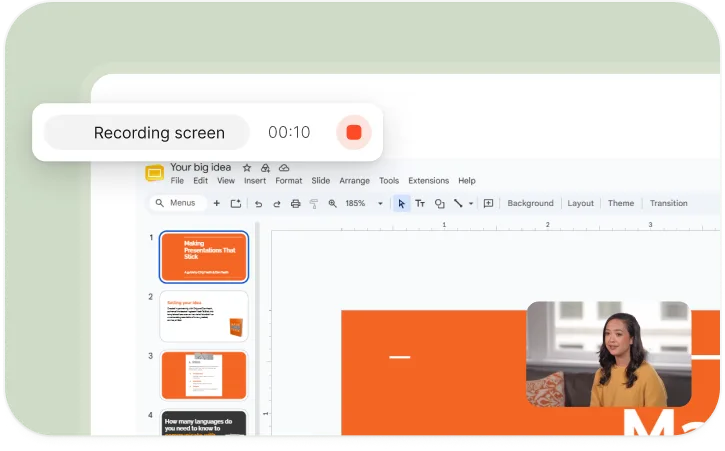
Zooms on your clicks, dead time compressed, mistakes cut, voiceover and word-by-word captions — 1080p.
A written guide
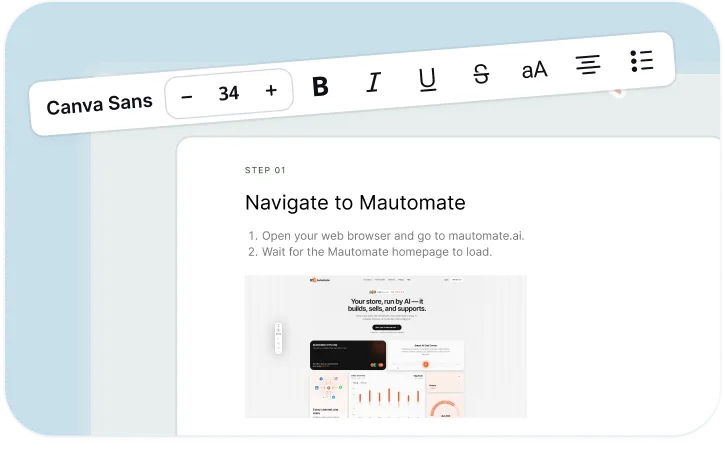
The same steps, numbered, each with a screenshot from your recording. Print, paste, or publish.
A share page
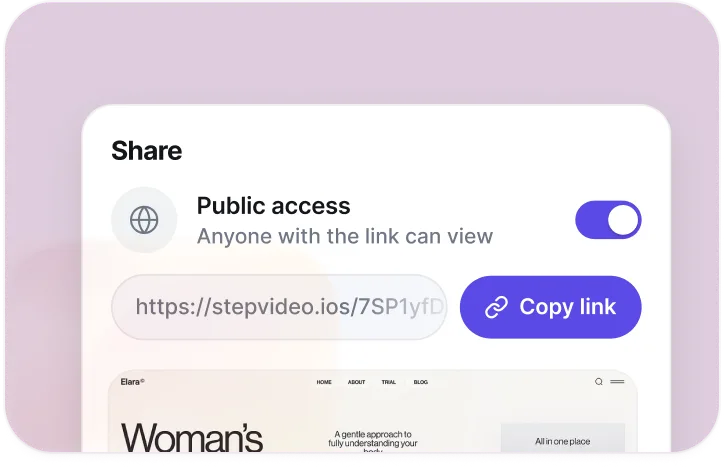
Every render gets a page that plays the video — public, or unlisted for link-only access.