 Get the Chrome extension




 AI translation


Written guide
Search and Add a Domain to Cart on Hostinger
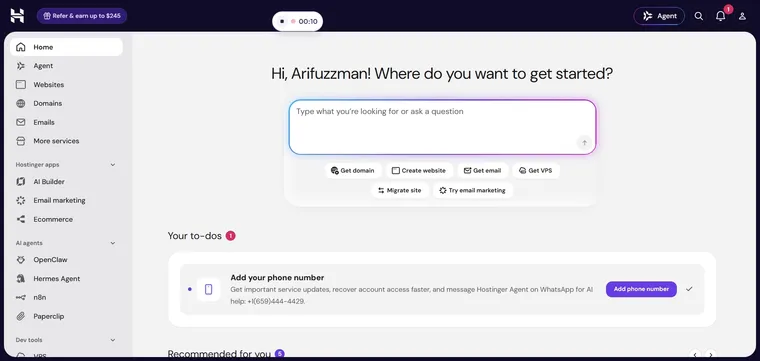
Open the Hostinger Dashboard
Navigate to https://hpanel.hostinger.com/ in your web browser.
You should see the Hostinger dashboard.
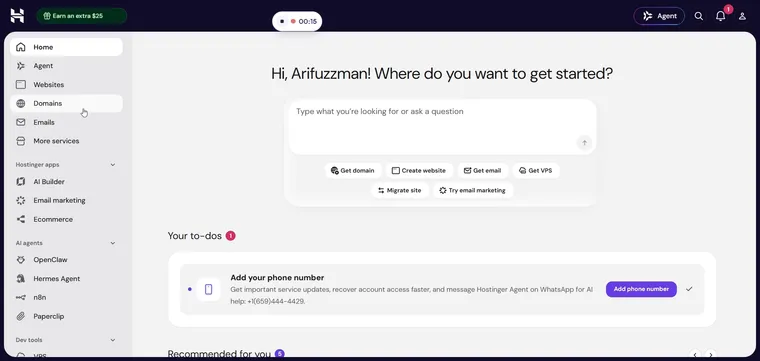
Go to the Domains Section
Click on Domains in the menu.
The Domains page opens.
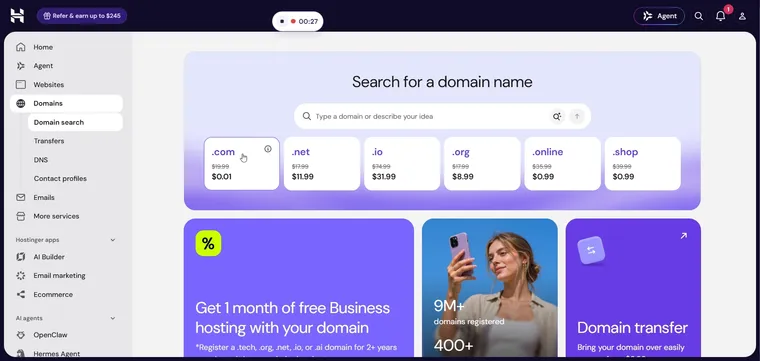
Open the Domain Search Tool
Click on Domain search in the Domains menu.
The Domain Checker page appears.
Enter the Domain Name to Search
Type your desired domain name into the field labeled 'Type a domain or describe your idea'. Type a domain or describe your idea : Enter 'niaz.com' as the domain name.
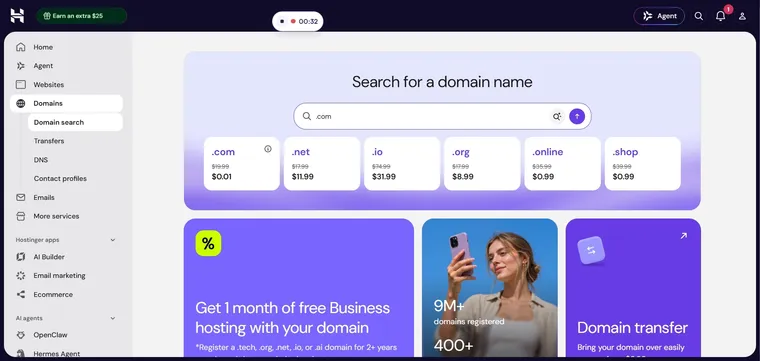
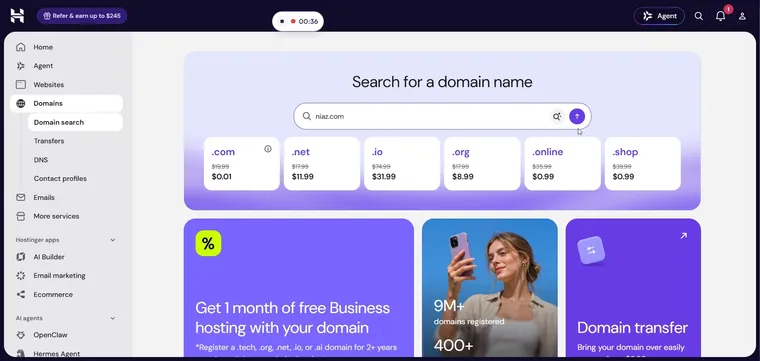
Search for the Domain
Click the Search button to look up the domain.
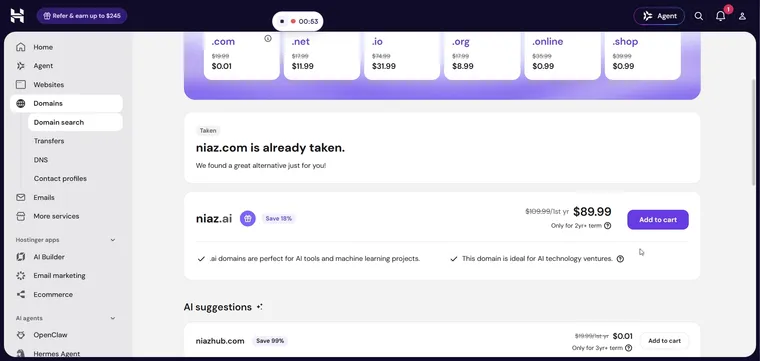
Search results for 'niaz.com' are displayed.
Add the Domain to Your Cart
Click Add to cart next to your chosen domain.
The domain is added to your cart.
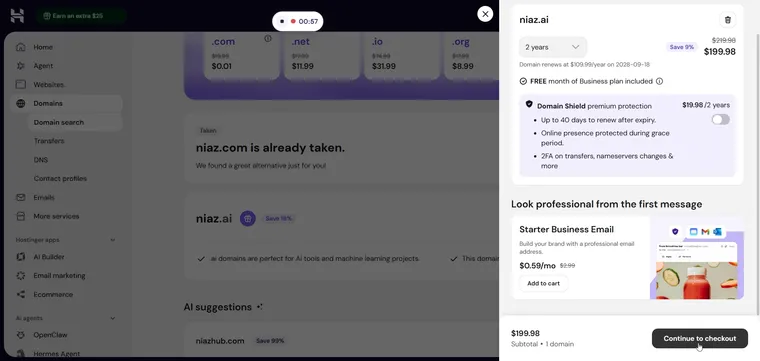
Proceed to Checkout
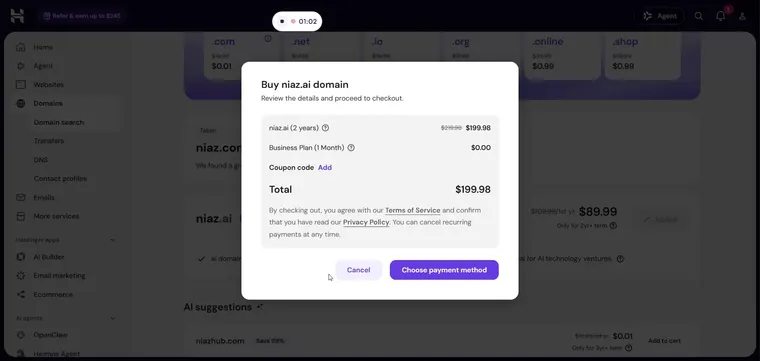
Click Continue to checkout to proceed.
A confirmation message appears indicating you are moving to the checkout process.
Choose a Payment Method
Click Choose payment method to select your preferred payment option.
The payment page is displayed, allowing you to complete your purchase.