
stepvideo · blog
Make how-to videos people actually finish.
Guides, honest comparisons and production workflows for screen recording, tutorial editing, AI narration, captions, training libraries, and getting answers cited by search engines and AI assistants alike.
 Featured · Best-of & comparisons
Technical Documentation Software: The Screenshot Problem
Technical documentation software compared by the thing that actually rots: the screenshots. Three categories, what each costs to maintain, and which you need.
All posts
 Guides
Free SOP Template (Word + PDF) With an Example
Free SOP template in Word and PDF: purpose, scope, roles, numbered steps, exceptions, revision history and approvals, plus a filled-in example to copy.
 Use cases
10 Standard Operating Procedure (SOP) Examples
Ten standard operating procedure examples from IT, security, support, sales, finance, HR, marketing, product and operations, each with steps and an owner.
 Guides
What Is an SOP (Standard Operating Procedure)?
An SOP (standard operating procedure) is a written, step-by-step method for doing one routine task the same way every time. What it contains, types and uses.
 Best-of & comparisons
User Manual Software: Tools for Docs You Ship
User manual software compared on what a wiki never handles: versions that ship, formats customers keep, translation, and manuals named in contracts.
 Best-of & comparisons
Trupeer vs Guidde: Which Fits Which Team
Trupeer vs Guidde, compared on the three things that actually differ: whether you want a presenter on screen, who creates, and how each is priced.
 Guides
How to Blur Sensitive Data in a Screen Recording
What actually leaks in a screen recording, how to hide it before, during and after capture, and the three places people forget to look until it is public.
 Best-of & comparisons
IT Documentation Software: Storage vs Capture
IT documentation software falls into two jobs most shortlists confuse: the system of record that stores docs, and the capture tools that produce them.
 Best-of & comparisons
Loom vs Scribe: Video or Written Steps?
Loom vs Scribe, compared by what your audience does with the result: watch it once, or follow along while working. Which fits, and where each breaks down.
 Best-of & comparisons
Best Tutorial Video Software for Screen How-Tos
Best tutorial video software for screen how-tos, compared across recording, editing, animation, AI presenters, written steps, updates, and learner fit.
 Best-of & comparisons
Best Training Video Software for Software Teams
Best training video software for software teams, compared by production, delivery, assessment, accessibility, maintenance, and learner evidence.
 Best-of & comparisons
Best Process Documentation Software for Workflows
Best process documentation software compared for capture, SOPs, workflow execution, training, diagrams, governance, and browser-based procedures.
 Best-of & comparisons
Best SOP Software for Small Teams
Best SOP software for small teams compared by authoring speed, ownership, training, updates, workflow fit, and the point when shared docs stop working.
 Guides
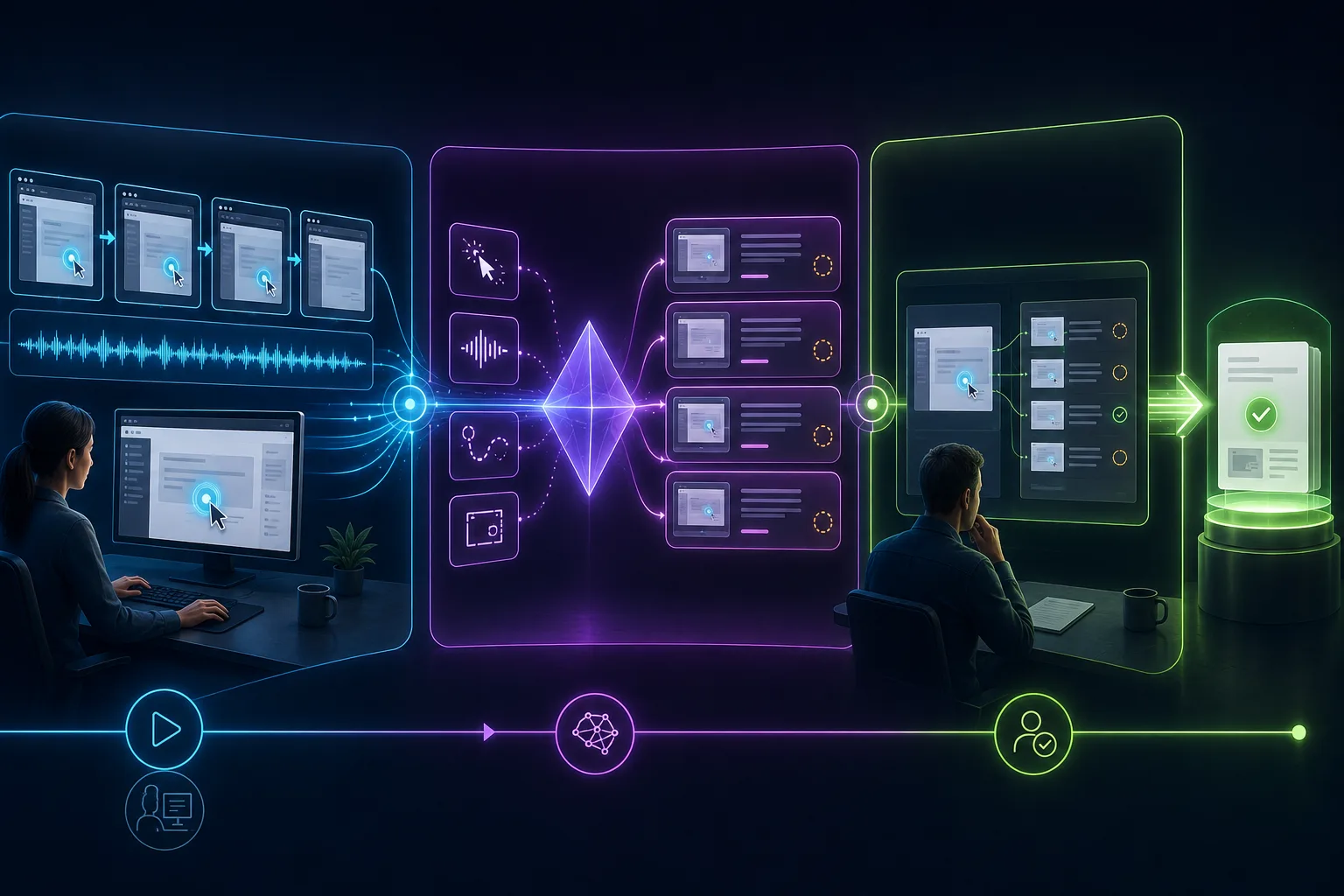
Create an SOP With AI From a Screen Recording
Use an AI SOP generator with a screen recording: plan a clean demonstration, generate steps and screenshots, verify decisions, protect data, and publish safely.
 Guides
Workflow Documentation: Capture Work as It Happens
Workflow documentation that reflects real work: observe the current flow, capture handoffs and exceptions, reconcile variants, and publish an owned workflow.
 Guides
Create a User Guide With Screenshots and Video
Learn how to create a user guide for software with task-based navigation, purposeful screenshots, short videos, accessible alternatives, testing, and updates.
 Guides
How to Write Work Instructions People Can Follow
Learn how to write work instructions with clear actions, decision rules, proof of success, recovery paths, a reusable template, and a real usability test.
 Use cases
Customer Onboarding Videos: Examples and Workflow
Customer onboarding videos that move users toward real outcomes: see useful examples, design the sequence, produce each tutorial, and measure customer progress.
 Guides
How to Make a Product Walkthrough Video for SaaS
Create a SaaS product walkthrough video from a real user state: scope one outcome, script actions and feedback, record safely, test, publish, and maintain it.
 Best-of & comparisons
SaaS Product Demo Video Examples and What Makes Them Work
Study SaaS product demo video examples from real product teams, then use a proof-chain scorecard and script template to plan a credible demo of your own.
 Guides
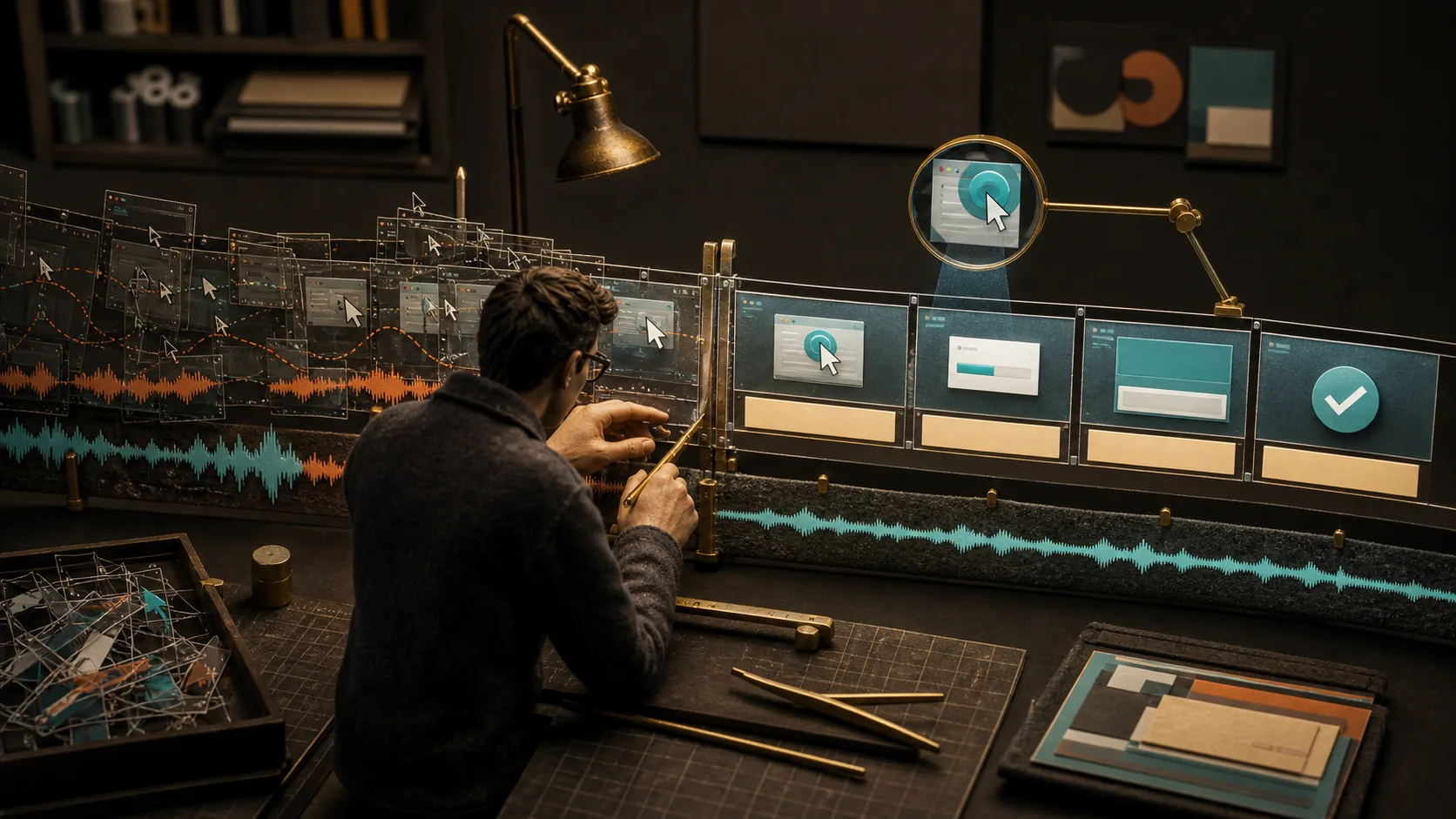
How to Edit a Screen Recording: Cuts, Zooms & Audio
Learn how to edit a screen recording without hiding essential steps: cut mistakes, repair continuity, add useful zooms and captions, clean audio, and export.
 Guides
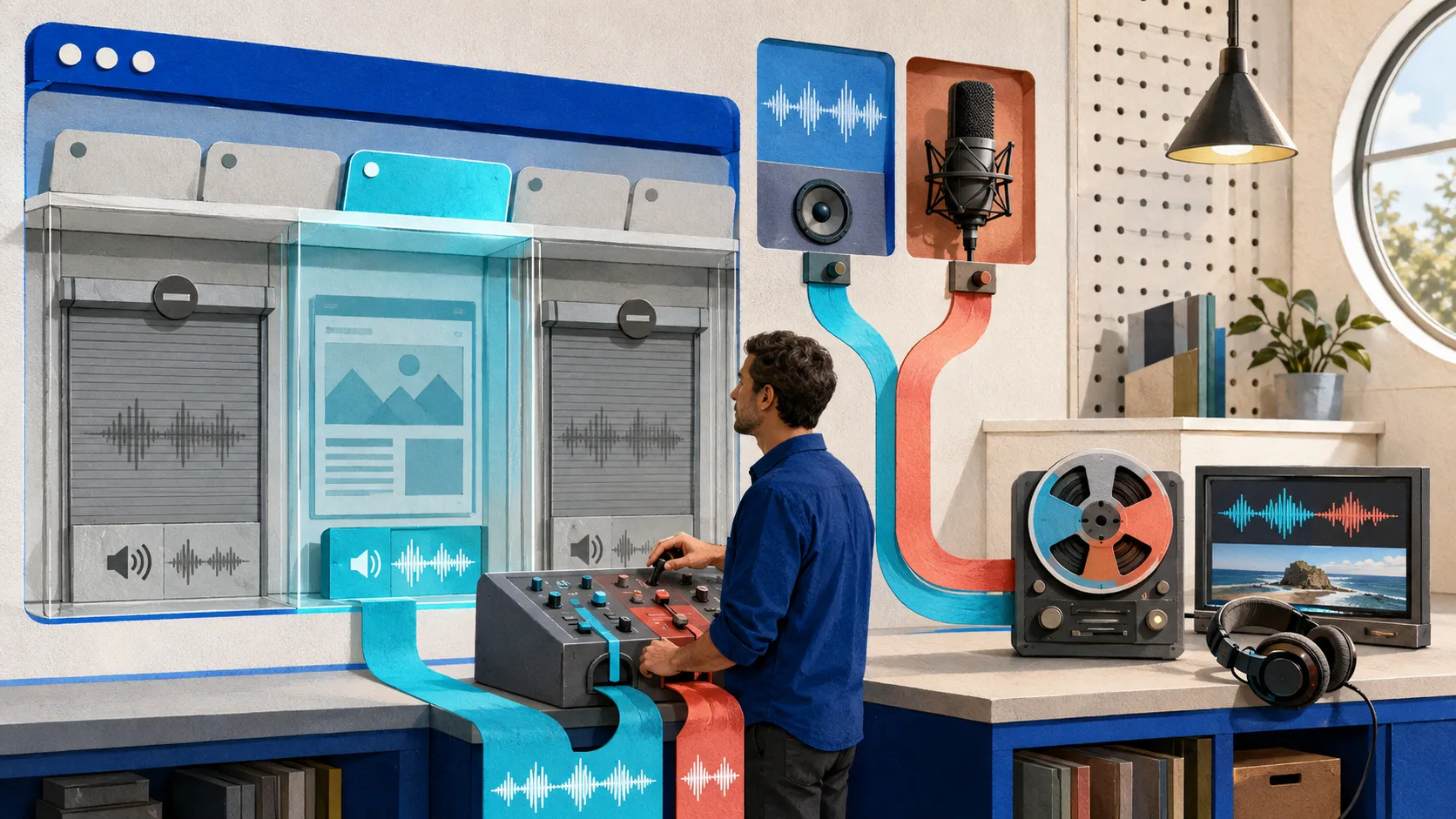
How to Screen Record a Browser Tab With Audio
Screen record a browser tab with tab audio, microphone narration, or both. Use this preflight workflow to choose the right source and verify the saved file.
 Best-of & comparisons
Best Video Documentation Software for Workflows
Compare video documentation software for workflow capture, editing, written guides, hosting, search, access, and maintenance—using a practical test plan.
 Best-of & comparisons
Knowledge Transfer Tools: Build a System That Works
Compare knowledge transfer tools and use a practical process, template, and verification loop to turn critical know-how into work others can perform.
 Best-of & comparisons
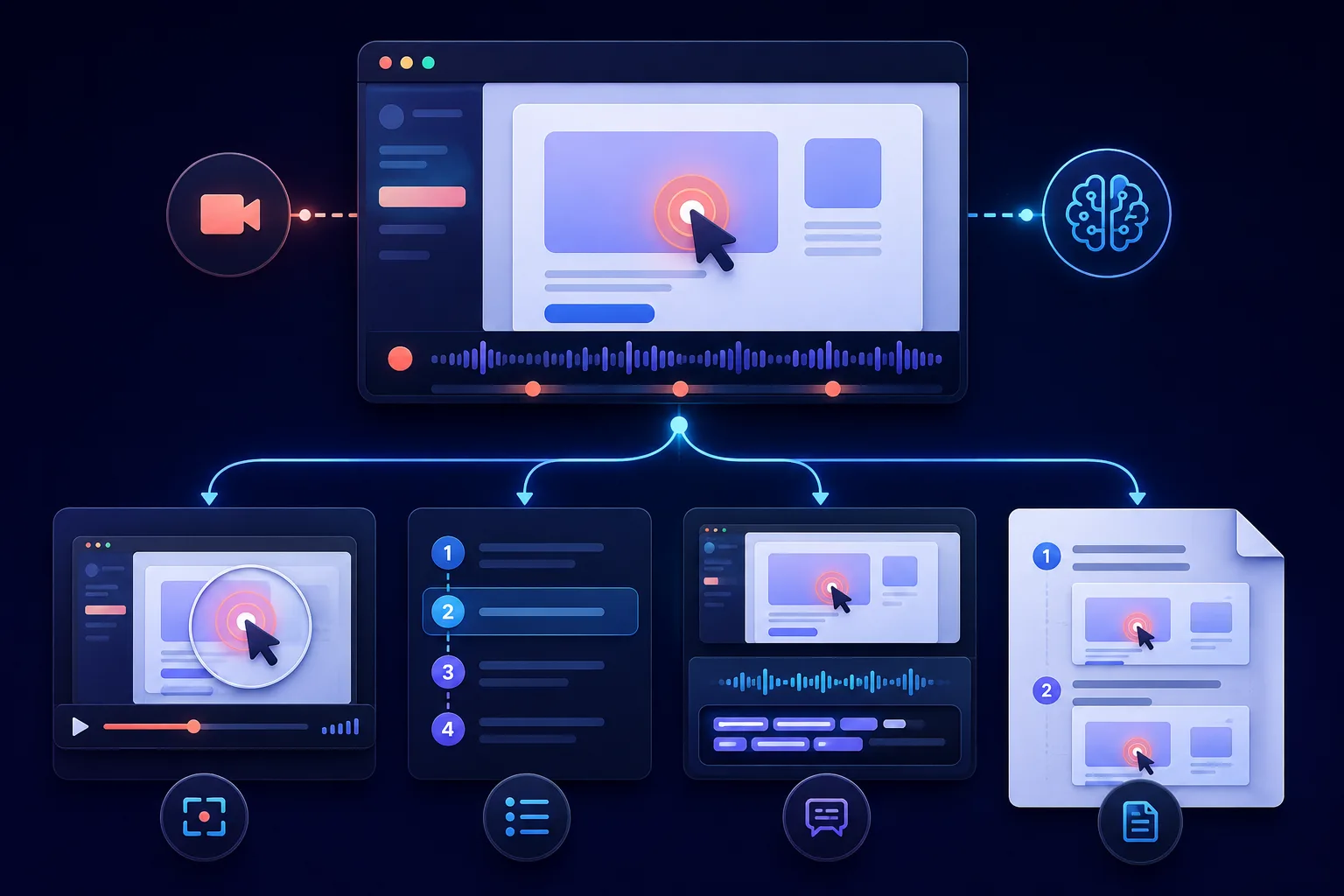
Best AI Screen Recorders for Tutorial Editing
Best AI screen recorders for tutorial editing, compared by automatic cuts, click-aware zooms, captions, written guides, correction cost, and limits.
 Best-of & comparisons
Best Customer Training Software for Product Education
Compare the best customer training software by job: academies, certification, external audiences, contextual video tutorials, integrations, and measurement.
 Workflow & product
Visual Imitation Learning Starts With the Demonstration
Visual imitation learning needs demonstrations, not documentation. Why every stepvideo capture is ground-truth training data and a tutorial in one take.
Answer Engine Optimization: Rank in AI Answers (2026)
Answer engine optimization explained: the formats, structured data, and freshness signals that get your pages cited inside AI answers and search overviews.
Building a Video Knowledge Base Customers Actually Use
Build a video knowledge base customers use: short walkthroughs plus written steps, search-friendly captions, and updates that take minutes, not projects.
How to Make a Product Demo Video That Converts
How to make a product demo video that converts: one promise, three proof beats, real UI fast, captions on by default, and placement-ready lengths.
How to Document a Process (and Turn It Into an SOP Video)
How to document a process: pick what deserves documenting, capture reality, structure purpose, scope, steps, exceptions, owner, then add an SOP video.
 Guides
How to Write Step-by-Step Instructions People Follow
How to write step by step instructions people actually follow: one action per step, exact button names, screenshot rules, failure paths, and a newbie test.
 Guides
How to Translate a Video Into Any Language
How to translate a video: subtitle-only vs AI dubbing vs full localization, quality pitfalls to catch, and how to scale support content across languages.
 Workflow & product
AI Voiceover for Videos: How It Works and When to Use It
How AI voiceover for videos works, when synthetic narration beats recording yourself, script rules that prevent robotic reads, and where humans still win.
 Guides
How to Add Captions to a Video (Every Method)
How to add captions to a video: burned-in vs SRT sidecar files, auto-captioning pitfalls and fixes, plus styling rules that keep captions readable.
Screen Recording for Customer Support That Scales
Screen recording for customer support that scales: send captioned video answers in minutes, keep customer data off camera, and turn replies into KB assets.
 Guides
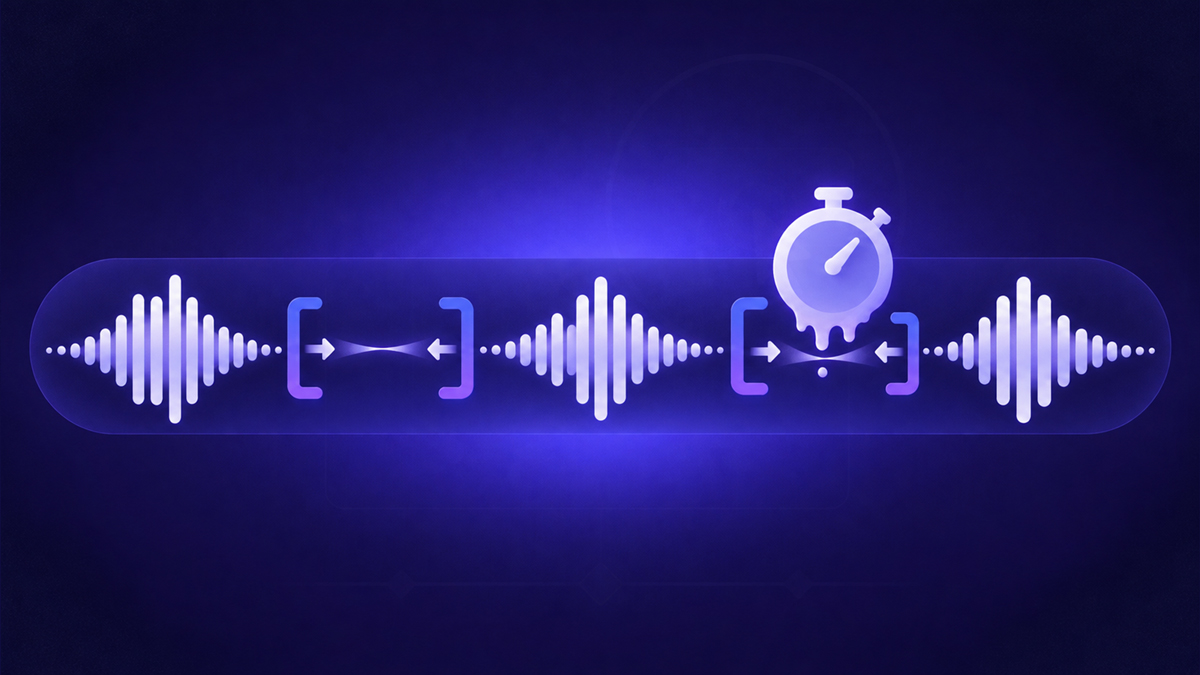
How to Remove Silence and Dead Time From Your Videos
Remove silence from video without gutting it: trim dead time, ramp loading spans, protect result reveals, or automate the balance with stepvideo's removal pass.
Screen Recorders With Built-In Editing (2026 Guide)
Screen recorders with editing built in, compared by philosophy: manual timelines, clip-based layouts, and automatic editing that finishes videos for you.
Software Training Videos: The Complete Guide
Software training videos that teach real tasks: task-first curricula, lessons under four minutes, honest completion metrics, and localization that scales.
 Guides
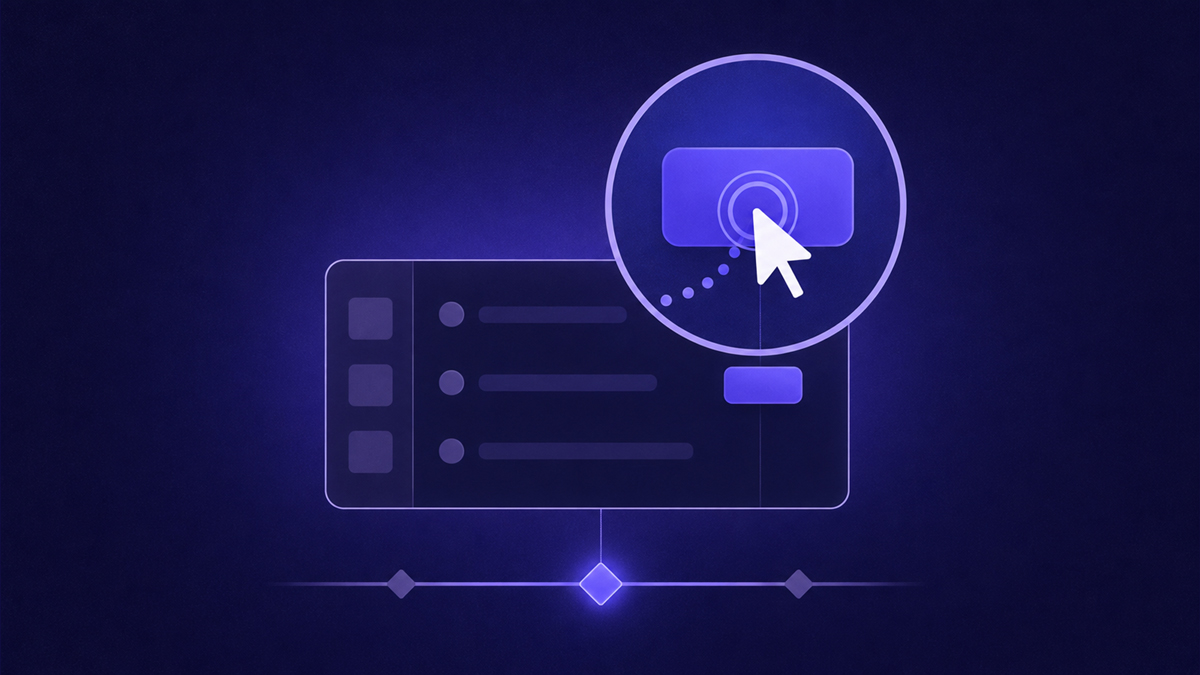
How to Zoom In on a Screen Recording
Learn how to zoom in on a screen recording: manual keyframing, automatic click-follow zooms, ideal magnification and holds, and when zooming hurts clarity.
Free Screen Recorders With No Watermark (2026)
Free screen recorder options with no watermark in 2026: built-in OS tools, OBS, and open web recorders — plus what 'free' plans quietly cost you.
 Guides
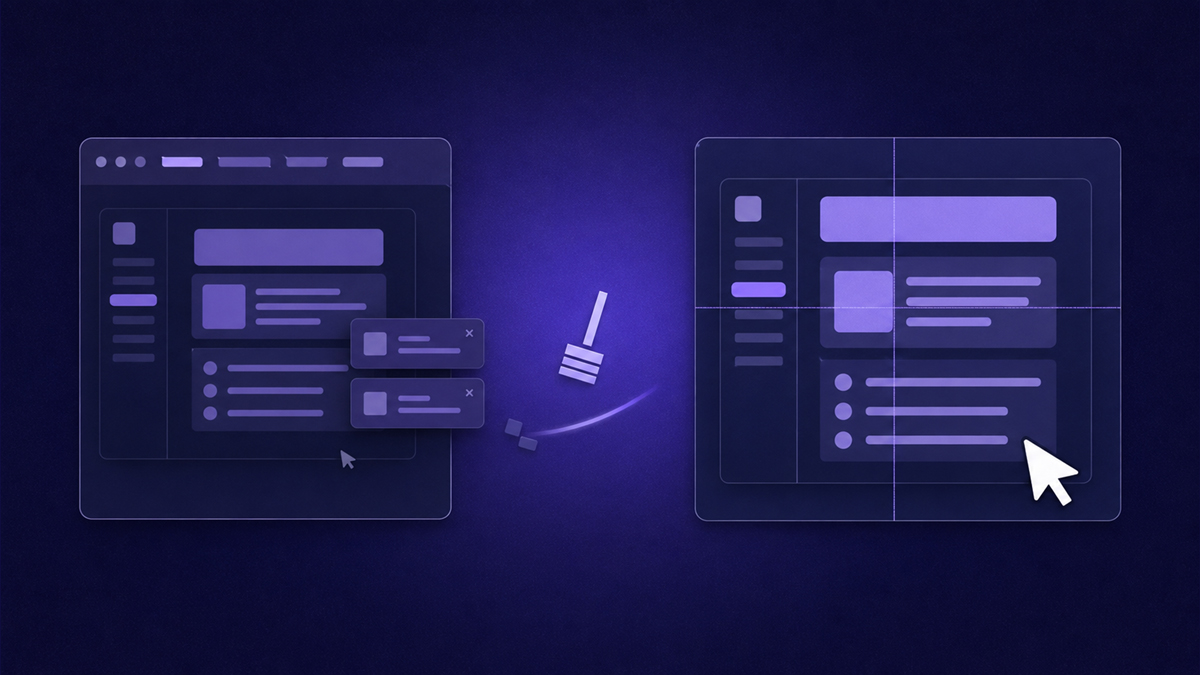
How to Make Screen Recordings Look Professional
Make screen recordings look professional with a checklist: clean profiles, cursor discipline, zero dead air, click zooms, clear audio, and burned-in captions.
Best Chrome Screen Recorder Extensions in 2026
The best Chrome screen recorder extension options in 2026, picked by job: capture-and-share, classrooms, async teams, and auto-edited tutorials.
Employee Onboarding Videos That Don't Go Stale
Employee onboarding videos that stay accurate: record each workflow once, auto-edit it, ship a written guide from the same take, and refresh only what changed.
 Guides
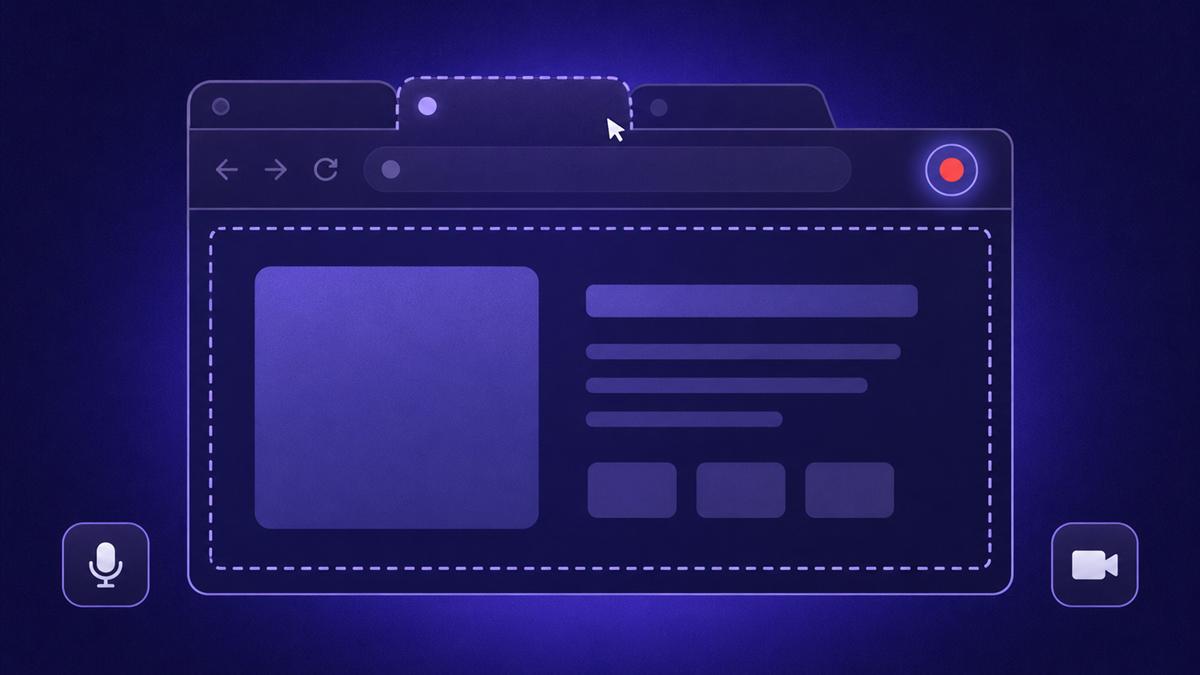
How to Screen Record in Chrome (Every Way)
Learn how to screen record on Chrome: Chromebook's built-in capture, web recorders, extensions, and OS fallbacks, plus the fastest route to polished results.
The Best Screen Recording Software in 2026
We sort the best screen recording software in 2026 by job — async messaging, cinematic demos, free capture, classrooms, manual editing, auto-edited tutorials.
 Guides
How to Make a Tutorial Video (2026 Guide)
Learn how to make a tutorial video: plan the task, record clean footage, auto-edit zooms and dead air, and add AI voiceover with word-by-word captions.