
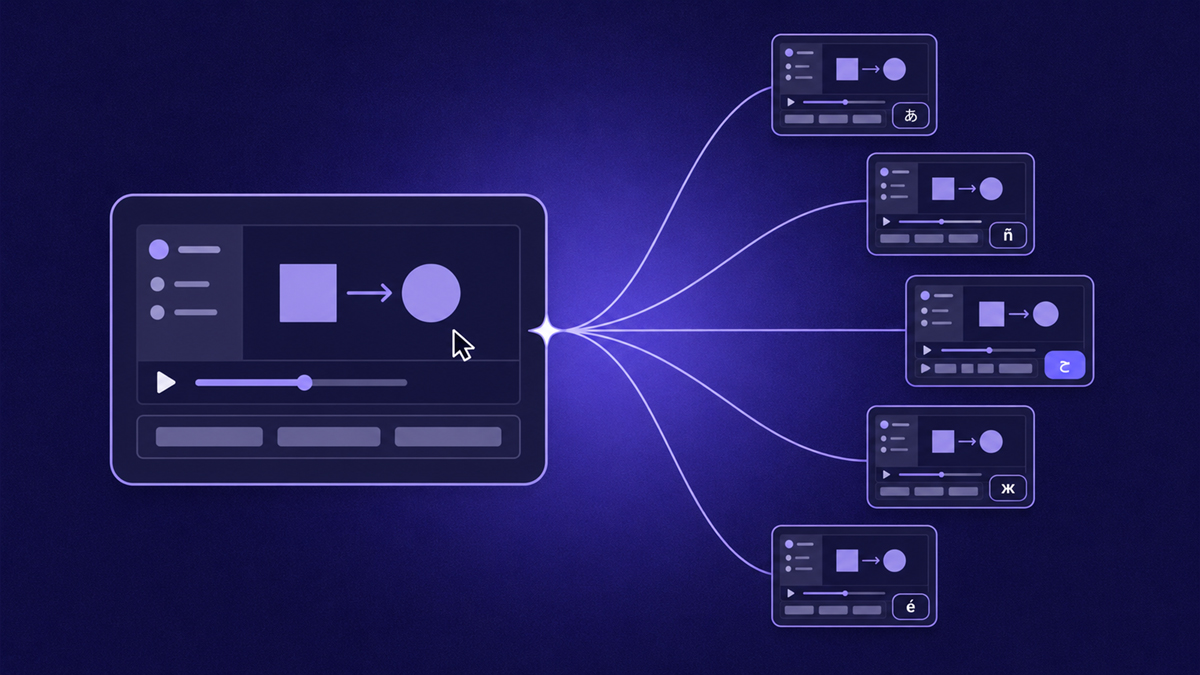
Learning how to translate a video starts with recognizing that translation is a ladder, not a switch: subtitles only, then AI dubbing, then full localization with translated voice, captions, and on-screen material moving together. Each rung costs more and removes more friction for the viewer. This guide maps the three levels, walks through the end-to-end workflow, shows where machine translation goes wrong, and explains how teams keep a growing library of training and support videos consistent across dozens of locales.
What does translating a video actually involve?
Translating a video means converting up to three layers: the spoken audio, the visible on-screen text, and any written companion material. Subtitles address the audio cheaply; dubbing replaces the voice in the viewer's language; full localization handles all layers together so nothing in the experience — narration, captions, downloadable guide — quietly snaps back to the original language halfway through.
The layers matter because viewers notice inconsistency more than absence. A dubbed tutorial whose burned-in callouts remain English, or a localized course whose PDF worksheet never got translated, signals that the market is an afterthought. Decide deliberately how deep each video needs to go rather than letting tooling defaults make the decision for you.
Subtitles, dubbing, or full localization: which level do you need?
Start with subtitles when you want reach at minimal cost, add dubbing when your audience listens more than reads, and commit to full localization when a locale becomes strategically important. The table compares the three levels on what actually changes and what they suit:
| Approach | What changes | Relative effort | Best for |
|---|---|---|---|
| Subtitles only | Translated text track or burned-in lines; original audio stays | Lowest — one transcript per language | Reach, discoverability, testing demand in a new locale |
| AI dubbing | Synthetic voice replaces the narration; subtitles usually ride along | Medium — script adaptation plus voice review | Audiences who listen while working or read slowly |
| Full localization | Dubbed voice, translated captions, and localized written guide move as one unit | Highest — everything reviewed together | Training academies and support libraries reused across regions |
A practical escalation path: ship subtitles first and watch engagement and feedback in that locale; promote the videos that earn attention to dubbed versions; reserve full localization for the handful of titles every regional team depends on. Escalating by evidence keeps translation budgets pointed at proven demand instead of guessed demand — and pairs naturally with the captioning fundamentals in our guide to adding captions to a video.
How do you translate a video step by step?
You translate a video by preparing the transcript carefully before any language work begins, because every downstream variant inherits its quality. The seven steps below apply whether you subtitle, dub, or localize fully:
- 1
Choose locales by demand
Rank candidate languages using support-ticket mixes, regional traffic, and sales requests — not intuition. One locale done well teaches your pipeline more than five done thinly.
- 2
Extract the transcript
Pull the source script from ASR or, better, from the original script itself. Recordings made with stepvideo already carry a per-step script, which becomes the translation source directly.
- 3
Build a glossary first
List product names, feature labels, and brand terms — including items that must stay untranslated — and share it with everyone touching the languages.
- 4
Translate and adapt
Translate meaning, not words: rewrite idioms, watch sentence length against subtitle timing, and keep instructions imperative in languages where verb forms differ by formality.
- 5
Review with a native speaker
Focus the review pass on technical terms, tone, and anything customer-facing. A reviewer with the glossary catches more in thirty minutes than a full re-translation would.
- 6
Produce the variants
Export per-language subtitle files or render dubbed versions. Where the tool supports it, regenerate voice, captions, and written guide together so no layer drifts out of sync.
- 7
Publish and route viewers
Serve the right variant automatically by locale where possible, cross-link between languages, and keep one canonical URL per language so analytics stay readable.
Where do AI translations go wrong?
Machine translation fails most predictably on meaning that lives outside the dictionary: idioms, product-specific labels, cultural registers, and layout assumptions. None of these are exotic — they are the ordinary furniture of software tutorials, which is exactly why a review pass focused on them pays off:
- Idioms and literalism. Hit the ground running becomes gibberish word-for-word. Rewrite idioms into plain meaning before translating, not after.
- UI label mismatches. If your own product is localized, narrated labels must match the localized interface — Settings pointing at a button now called something else breaks the tutorial's trust instantly.
- Right-to-left layouts. Arabic and Hebrew flip reading direction; mirrored cursors, realigned captions, and re-shot screenshots deserve their own QA pass, not an afterthought.
- Formality registers. Languages encode politeness grammatically. Choose the register your audience expects — a support video speaking casually to a formal-language culture reads as disrespect.
- Dates, units, and formats. Localize measurements, date orders, and currency mentions, and say them the way locals say them.
- Humor. It rarely survives; cut it rather than shipping confusion.
The structural fix for UI-label drift is capturing workflows inside a tool that regenerates all language versions from one take — if the interface screenshot and the narration come from the same source, they cannot disagree. That single-source property is also what keeps captions aligned, as covered in our AI voiceover guide.
Which language should you translate into first?
Follow evidence, not prestige: pick the language your support inbox, community forum, or regional traffic is already pulling in. Requests arriving organically prove both demand and an audience willing to engage; translating into a market nobody asked for tests your pipeline on the coldest possible audience. Do the first locale properly — glossary, native review, feedback loop — and it becomes the template the second and fifth ride on.
How do you scale support and training videos across many locales?
Scaling multilingual libraries lives or dies on whether updating the source updates the translations. The regenerate-from-one-take model wins here: record the workflow once, then publish it in any supported language with dubbed voice, captions, and the written guide produced together. stepvideo speaks 96 languages and publishes in 58 (see the list), and because editing happens at the step level, fixing the source and re-rendering refreshes every locale without per-language reshoots.
Pair the library with a searchable home so regional teams can actually find the right language variant — the structure described in our piece on building a video knowledge base applies doubly when the same tutorial exists in eight tongues. For internal enablement specifically, multilingual onboarding libraries compound: new hires in every region ramp on the same material, the dynamic explored further in our guide to employee onboarding videos.
Frequently asked questions
Translate deliberately: one locale chosen on evidence, a glossary before the first sentence, native review on the terms that matter, and a pipeline that regenerates every layer together. Start with your single most-requested tutorial language and let that rollout write your playbook.
Frequently asked questions
How accurate is AI translation for technical terms?
With a glossary in place, modern systems handle defined technical terminology well, because you remove ambiguity before the model chooses a rendering. Trouble concentrates in novel slang, overloaded abbreviations, and feature names that double as ordinary words. Keep the glossary current, force consistency through find-and-replace, and route final terminology decisions through a native-speaking reviewer who knows your product domain.
Which language should we localize into first?
Choose the locale with existing organic pull: unanswered tickets in that language, regional signups, community threads asking for it. First-rollout lessons — glossary format, review workflow, publishing mechanics — transfer to later locales, so optimize the first for learning value as much as reach. A smaller market served excellently builds more goodwill than a large market served roughly.
What drives the cost of translating a video?
Four levers dominate: runtime (more minutes, more words), number of languages, chosen depth (subtitles versus dubbing versus full localization), and human review passes. Maintenance is the hidden multiplier — traditional dubbing re-incurs production every time the source changes. Pipelines that regenerate voice, captions, and guides from one recorded take collapse that maintenance cost, making frequent updates affordable across many languages.
Do I have to re-record the video for each language?
Not with generation-from-take tools. Traditional dubbing means a studio session per language, but tools like stepvideo render each language synthetically from the same recording — you speak 96 languages' worth of scripts while recording once in your own. You also never re-shoot for edits: change the affected steps in the source and every published locale regenerates from the updated take, keeping versions aligned.
Are translated subtitles enough, or do we need dubbing too?
Subtitles alone serve readers well and cost least, so start there. Dubbing earns its place when viewers listen while performing the task — hands on keyboard, eyes mostly off the screen — or when reading speed in the target audience varies widely. A pragmatic heuristic: ship subtitles, gather feedback and completion signals from that locale, and promote the specific videos people abandon or complain about into dubbed versions.
How do we handle right-to-left languages properly?
Treat RTL as a layout project, not just a text swap: players generally handle Arabic and Hebrew scripts, but burned-in caption alignment flips, cursor paths visually mirror, and screenshots taken in a left-to-right interface may confuse readers accustomed to mirrored UIs. Re-capture screenshots in the localized interface where one exists, test playback end-to-end in the target locale, and include an RTL-native reviewer in the pass.