
The short answer
Pick Loom when the thing you are making will be watched once: a decision explained, a bug reproduced for an engineer, feedback on a design, a welcome message to a new hire. Pick Scribe when the thing you are making will be followed while someone works: a refund procedure, a month-end close, the twelve clicks a new hire needs on their first morning. The tools are not really competing on quality. They are competing on what happens in the reader's hands.
That sounds obvious until you watch a team get it wrong, which happens constantly. Someone records a careful fourteen-minute walkthrough of an invoicing process and wonders why support still asks the same question every week. The video was never the problem. Nobody scrubbing through fourteen minutes to find step nine is going to keep doing that, so they ask a human instead, which is the exact cost the video was supposed to remove.
What Loom is genuinely good at
Loom wins wherever a person needs to be present in the message. A recording carries tone, hesitation, emphasis and the small verbal asides that written steps strip out — "ignore this banner, it has been broken for a month" is worth more than the three sentences it would take to write formally. For feedback, for explaining a judgement call, for anything where the point is partly that you said it, video is not a lesser form of documentation. It is a different medium doing a job writing does badly.
It is also fast in a way that matters more than it sounds. The gap between "I should document this" and "it is documented" is where most internal knowledge dies. Pressing record and talking for four minutes clears that gap. Writing the same thing properly does not, which is why so many wikis are full of pages that stop halfway through.
What Scribe is genuinely good at
Scribe wins the moment someone needs to do the thing rather than understand it. A written step list can be scanned in ten seconds, searched by a word the reader half-remembers, read on a second monitor while the first one holds the actual software, and corrected by anyone who notices a button moved. None of those are possible with a recording, and all four are the normal life of a procedure.
There is a quieter advantage too. A written guide can be reviewed. A compliance officer, a team lead or a careful colleague can read twenty steps and spot the missing approval, which nobody is going to do by watching twenty videos. Procedures that carry consequences tend to end up written for exactly this reason, and that is a structural fact about the format rather than a feature either company could ship.
Where each one breaks down
| Situation | Video struggles because | Written steps struggle because |
|---|---|---|
| Someone needs step 9 of 14 | there is no way to scan; scrubbing is guesswork | they jump straight to it — this is the format's home ground |
| The interface changed on one screen | the whole take is re-recorded, or it quietly goes stale | one step and one screenshot are replaced |
| The reader speaks another language | re-recording in each language is a project | the text translates, though the screenshots stay in the original |
| The point is judgement, not clicks | this is what video is for | tone and reasoning flatten into instructions |
| It must be reviewed before it is trusted | nobody reviews by watching | a reviewer reads it in two minutes |
| The reader is deciding whether to care | motion and a voice hold attention | a wall of steps answers a question nobody asked yet |
Read that table as one claim: the two formats fail in opposite directions. That is why the honest answer to "which should we use" is so often "both", and why both answers feel unsatisfying — because what teams actually want is one piece of work that serves both readers.
The cost nobody budgets for
Teams that choose both usually make them separately. Someone records a walkthrough in one tool and captures the same workflow in the other, and for about a month this is excellent. Then a screen changes. Now there are two artifacts describing one workflow, and whichever is cheaper to update gets updated. The other stays live, stays wrong, and is still the first result when someone searches the wiki.
This is the real decision hiding behind the comparison. Not which tool is better, but how many copies of one workflow your team can keep honest. The answer for most teams is one. Every additional copy is a maintenance promise nobody made out loud, and it is broken the first busy week.
How to choose, in one pass
- 1Ask what the reader is doing at the moment they open it. Sitting back, or working with the software already in front of them? That answers it most of the time.
- 2Ask how often the underlying screen changes. A monthly-changing interface punishes video badly and written steps only mildly.
- 3Ask whether anyone has to approve it. Approval implies reading, and reading implies text.
- 4Ask who the audience is. External and undecided leans video; internal and already-committed leans written steps.
- 5Ask honestly who will update it in six months. If the answer is nobody, pick the format that goes stale most gracefully — which is written steps, because a wrong sentence can be fixed in place.
Where stepvideo fits, briefly
We built stepvideo because of the maintenance problem above, so treat this as an interested opinion. The concessions first: it records a browser tab, a window or your whole screen, but the click-accurate editing depends on capturing a browser tab with the extension, so it is a weaker fit than Loom for desktop software and anything filmed away from a computer. There are no AI avatars and no interactive click-through demos. If you need either, the tools above or a demo platform will serve you better.
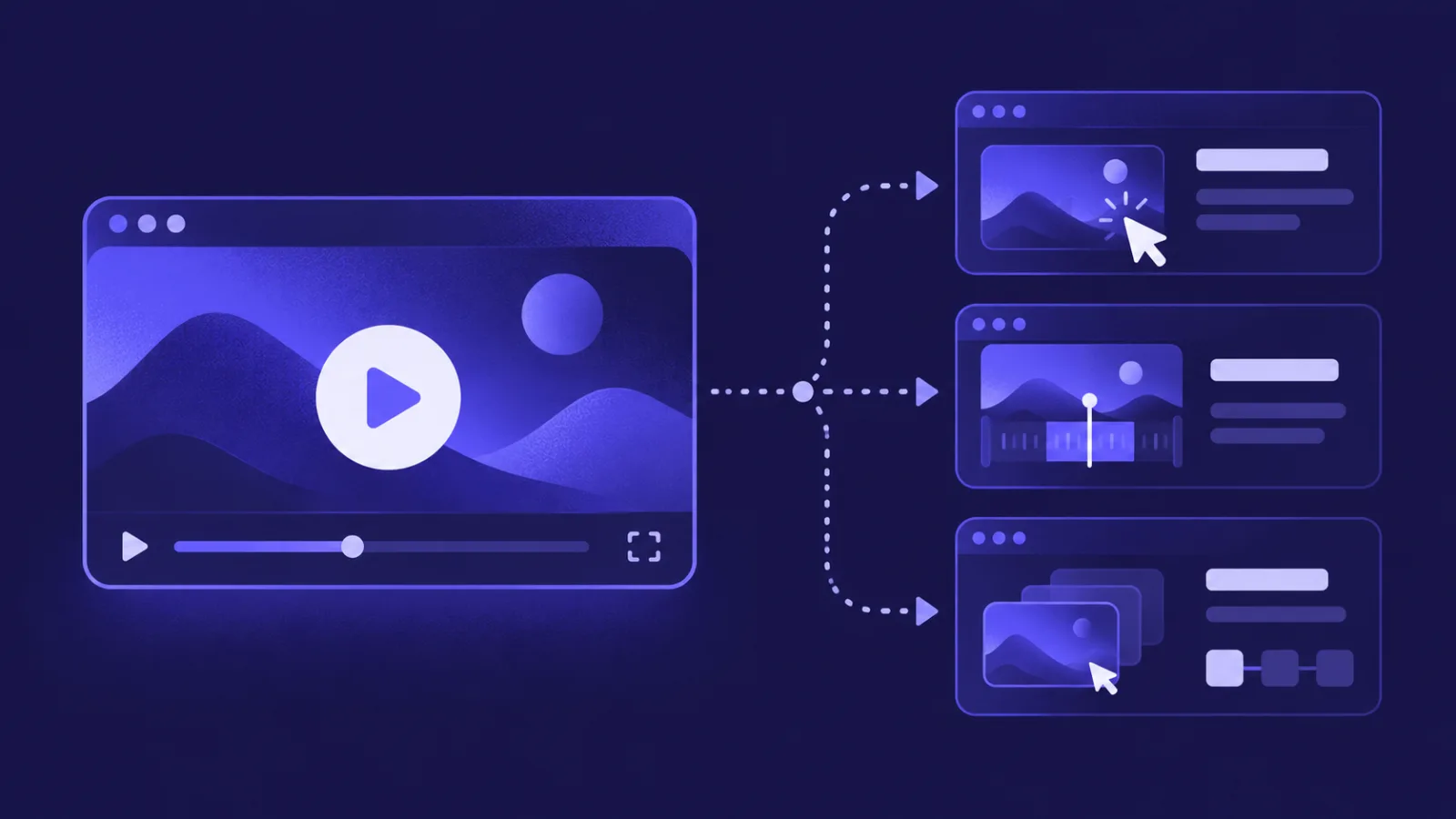
What it does differently is produce both artifacts from one recording: an edited video that zooms on the control you clicked and removes dead time, and an editable written guide with the screenshots extracted from the same take. Edit a step once and both follow, which is the point — it is one copy of the workflow wearing two faces. Translations work the same way, so the same recording can transcribe 96 languages and publish narration in 58. There is a 10-day free trial with 5 AI minutes and no card if you want to see whether that holds up on your own process.
If you would rather see the feature-by-feature version with dates against every claim, those live on the stepvideo vs Loom and stepvideo vs Scribe pages, and the related reading is how to turn a recording into a written guide and how translating a video actually works.
Frequently asked questions
Is Loom or Scribe better for SOPs?
Scribe, in almost every case. A standard operating procedure is read while someone works, needs to be searched by a half-remembered word, and usually needs a reviewer to approve it before it is trusted. Written steps support all three; a recording supports none of them well.
Can Scribe replace video entirely?
Not for anything where tone or judgement is the point. Feedback, a decision being explained, a bug being reproduced with commentary, or a welcome message all lose most of their value as a numbered list. Written steps are better instructions and worse communication.
Can I use Loom and Scribe together?
Yes, and many teams do. The thing to plan for is not the cost of the tools but the cost of keeping two descriptions of one workflow in agreement. When a screen changes, whichever artifact is cheaper to update gets updated, and the other quietly becomes wrong while staying published.
Which is faster to produce?
Video is faster to create and slower to maintain; written steps are the reverse. Recording four minutes of narration is quicker than writing twelve steps, but replacing one changed screenshot is far quicker than re-recording a take that is now wrong in the middle.
What about documentation in other languages?
Written steps translate more cheaply than recordings, because the text can be rewritten while the screenshots stay as they are. Re-recording narration in each language is a separate project for each one, unless the tool regenerates the voiceover for you from the original take.
Does the choice change for customer-facing content?
It shifts toward video. An external reader is usually still deciding whether to care, and motion and a human voice hold attention in a way a numbered list does not. Once they have committed and are following along inside the product, written steps take over again.