
Buying the best training video software begins with an inconvenient truth: making a video and running a training program are different jobs. A polished lesson can still fail because nobody receives it, practices the skill, or proves competence. A powerful learning platform can still contain a dreadful screen recording. Before comparing brands, decide whether your missing system creates the lesson, delivers it, measures it, or keeps it accurate after the software changes.
The shortlist: best training video software by job
| Product | Best training job | System it can replace | System you may still need |
|---|---|---|---|
| stepvideo | Teaching repeatable browser tasks | Manual screen-editing and separate step writing | LMS, quizzes, certification, or live coaching |
| Synthesia | Presenter-led and multilingual training | Camera shoots and repeated presenter recording | Deep procedural capture or formal learning administration |
| Camtasia | Precisely produced software lessons | Separate screen recorder and general video editor | Course delivery, assessment, and low-effort updates |
| Vyond | Animated scenarios and behavior training | Live-action scenario production | Real product demonstrations and learner management |
| iSpring Suite | Interactive, assessed LMS courses | Separate slide-to-course and quiz-authoring tools | Automatic browser-workflow capture |
| Guidde | Team video-documentation programs | Separate capture, narration, and guide workflows | A formal LMS where completion must be governed |
| Loom | Fast peer-to-peer knowledge sharing | Meetings and long explanatory messages | Durable curriculum structure and automatic tutorial production |
The final column matters most. Training software is often purchased as if one subscription should record, edit, host, assign, assess, certify, search, translate, and maintain every lesson. Products become bloated and teams remain disappointed. A smaller production tool connected to an existing LMS may outperform an all-in-one suite; a course authoring system may be essential when proof of completion is non-negotiable.
Map the training system before comparing features
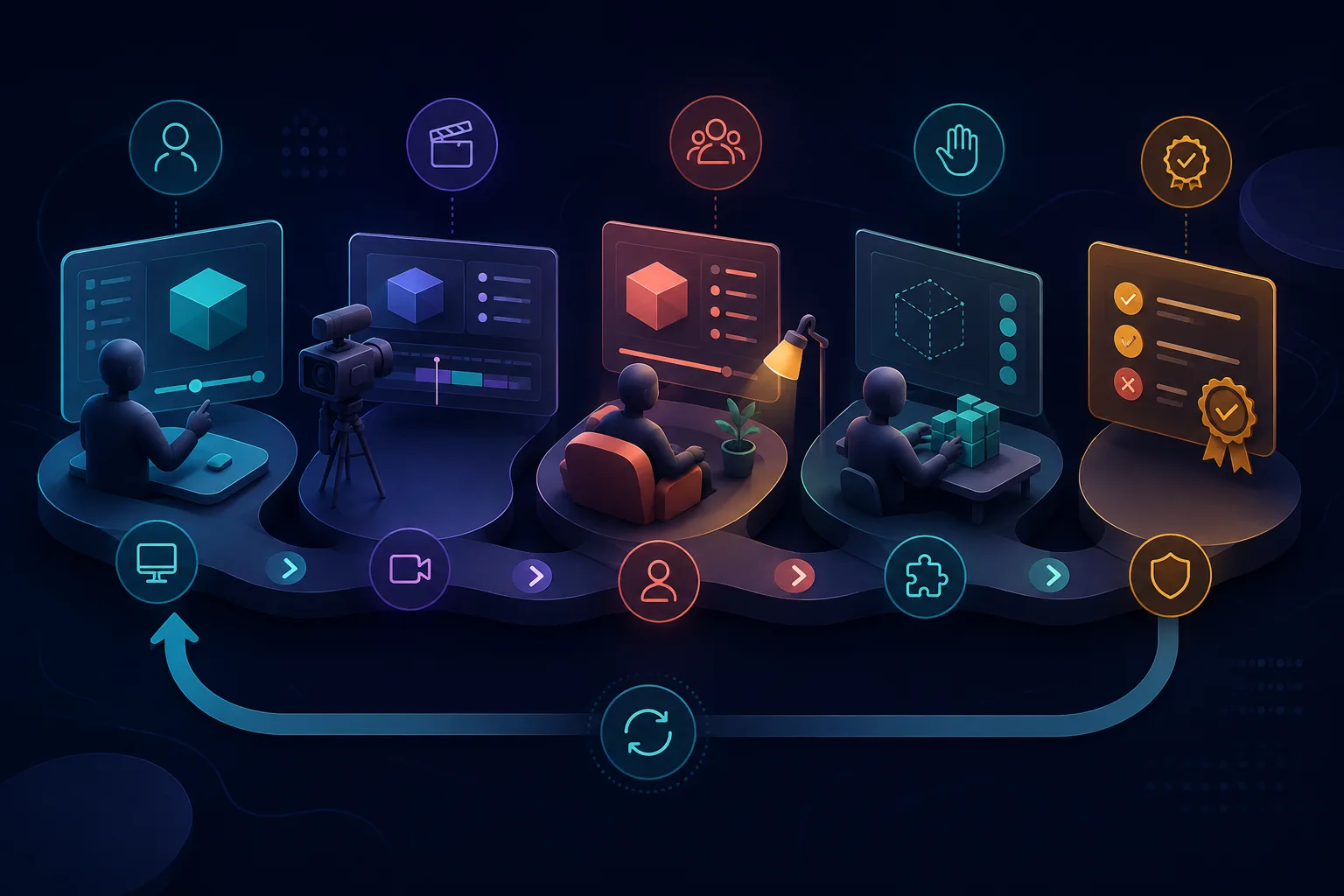
A working program has five linked stages: capture correct knowledge, turn it into instruction, deliver it at the right moment, observe performance, and revise the source when reality changes. Video participates in all five but owns none by itself. Draw the chain and mark the failure. If experts cannot produce lessons, fix creation. If employees cannot find them, fix delivery. If people watch but still make errors, fix practice and assessment.
| Stage | Question to ask | Evidence of a problem | Likely tool category |
|---|---|---|---|
| Capture | Can experts show the real work safely? | Knowledge stays in calls or one person's memory | Screen recorder, camera, or demonstration capture |
| Production | Can the raw knowledge become a clear lesson? | Editing queues and inconsistent assets | Tutorial editor, avatar video, animation, or course authoring |
| Delivery | Does the right learner receive and retrieve it? | People ask for links or cannot find current material | LMS, knowledge base, or in-app guidance |
| Evidence | Can the learner perform the skill? | Views rise while errors and questions persist | Practice, observation, quiz, or workflow assessment |
| Maintenance | Does a changed process trigger a cheap revision? | Libraries quietly show old interfaces | Owned source, review workflow, and local editing |
What to test in training video software
- Instructional fit: Can the format show the skill accurately, including decisions and expected outcomes, rather than just looking engaging?
- Subject-matter-expert workflow: Can the person who knows the work contribute without waiting for a production specialist at every revision?
- Editing and update cost: Can one changed screen, sentence, translation, or warning be replaced locally?
- Accessibility: Are captions editable, contrast readable, written alternatives available, and keyboard or screen-reader needs handled by the delivery surface?
- Learning evidence: Does the surrounding system support practice, questions, checks, manager observation, or completion records appropriate to the risk?
- Governance: Are owners, reviewers, permissions, version history, retention, and retirement visible enough for the organization?
- Distribution: Can the output live where work happens—an LMS, help center, wiki, link, embedded page, or searchable portal?
- Privacy: Can creators avoid or remove personal data, credentials, customer records, notifications, and confidential browser state before publication?
1. stepvideo: best for recurring browser-software training
stepvideo begins with a real browser workflow rather than a slide deck or blank script. While the expert performs the task, the recorder captures footage and the underlying interaction sequence: clicks, typing, navigation, scrolling, geometry, and timing. That evidence helps divide the demonstration into steps, place attention around meaningful actions, and shorten waiting that teaches nothing.
One recording produces an edited tutorial, per-step narration, AI voiceover, burned-in word-timed captions, and a written guide with screenshots. The creator edits steps instead of tracks. For software teams, that changes who can maintain the library: the support or operations expert can correct the affected instruction without handing a timeline project back to video production.
This is a production system, not a learning-management system. It does not enroll employees, issue certificates, build quizzes, track SCORM completion, or manage competency records. Put the resulting assets in the LMS or knowledge base your organization already operates. The existing software training video guide covers curriculum design beyond tool selection.
2. Synthesia: best for presenter-led training at scale
Synthesia's learning and development offering centers AI avatars, voices, templates, collaboration, translation, and video generation from written material. It is a natural fit when training begins as approved policy or instructional copy and a consistent presenter should deliver it without a recurring camera shoot.
That model is especially useful for introductions, compliance explanations, process context, and multilingual rollouts. For rapidly changing software click paths, test the revision loop around the captured interface—not only the avatar. A presenter can make instruction approachable, but the lesson still fails if the demonstrated buttons moved last release.
3. Camtasia: best for controlled software productions
Camtasia combines screen recording with a full editing environment. It suits training media that must mix desktop and browser capture, several audio or visual layers, precise callouts, deliberate animation, and carefully timed emphasis. The timeline is not overhead when those details are part of the specification.
Budget for ownership as well as creation. A trained editor can make a refined module, but a subject-matter expert may not be comfortable repairing it six months later. Keep project files, fonts, media, publishing settings, and update responsibility together. Camtasia wins on control; a narrower tutorial tool can win on throughput.
4. Vyond: best for animated scenarios
Vyond focuses on creating animated business video. Animation is valuable when showing the real situation would be expensive, private, unsafe, inconsistent, or impossible. Customer conversations, management decisions, safety scenarios, and interpersonal skills often need characters and consequences more than literal screen capture.
Do not animate a software workflow merely because animation feels engaging. A learner who must recognize a real control benefits from seeing the real interface. Use animation for judgment and scenario rehearsal, then pair it with a demonstration or practice environment when the training outcome includes operating software.
5. iSpring Suite: best for assessed LMS courses
iSpring Suite is a course-authoring system built around PowerPoint-compatible production, interactions, quizzes, review, and publishing packages such as SCORM, xAPI, and cmi5 for learning platforms. It belongs in this list because formal employee training often requires evidence that extends beyond watching a video.
Choose it when instructional designers assemble modules, stakeholders review them, and an LMS must track progress or scores. It will not automatically understand a browser workflow merely because screen footage is included. A practical stack can pair a specialized tutorial creator with iSpring: produce the accurate demonstration first, then place it inside the assessed course.
6. Guidde: best for managed video documentation
Guidde connects workflow capture, how-to video, narration, documentation, sharing, analytics, and business administration. It makes sense for teams building a governed library of operational explanations across departments, especially when documentation and viewing behavior matter alongside the video itself.
Compare its management and presentation breadth with stepvideo's browser-event-driven edit and published editing thresholds. Then test both on the same changed workflow. The deciding evidence should be the usable lesson, correction effort, and required administration—not which product claims the larger AI vocabulary.
7. Loom: best for fast peer knowledge sharing
Loom remains strong when a colleague needs to explain something now: record the screen and speaker, send a link, and continue the conversation around the video. That is training in the everyday sense of one person helping another, even when it never becomes formal curriculum.
Use that speed deliberately. A one-time answer does not need a production cycle. A lesson assigned to every new hire for the next year needs a task boundary, captions, ownership, searchable context, and an update path. Promote high-reuse explanations into maintained tutorials rather than forcing every informal recording to become one.
Run a maintenance-first software trial
- 1
Choose one skill with visible consequences
Use a routine software task whose success can be observed, such as creating a correctly configured record. Avoid a generic product tour because it gives the learner no performance target.
- 2
Define production and delivery separately
List the required video, captions, written reference, quiz or practice, hosting location, access rule, and completion evidence. Mark which system owns each requirement.
- 3
Give every finalist the same source
Use the same demonstration, script, branding constraints, and target audience. Record all labor, including cleanup performed outside the product and re-entry into an LMS.
- 4
Observe a learner doing the work
Do not ask whether they liked the video. Ask them to perform the task without coaching. Record wrong turns, hesitation, replays, and whether they can explain the decision behind the critical step.
- 5
Simulate next month's interface change
Rename one control and move one screen. Measure the time to repair every affected language and format, obtain approval, replace the old asset, and prevent duplicate versions from circulating.
- 6
Calculate the library cost
Multiply realistic creation and revision time by the number of lessons and planned languages. Add administration and review. Subscription price alone is rarely the largest cost in a living training library.
How to measure a training video
Choose a measure tied to the behavior the lesson should change. For browser training, compare successful task completion, time to finish, errors at known decision points, repeated questions, and requests for help before and after learners use the asset. Segment new learners from experienced staff; improvement means different things for each group.
Pair learner evidence with maintenance evidence: age of the oldest unreviewed lesson, percentage with a named owner, time from product change to corrected publication, and number of duplicate versions still accessible. A training library that teaches well today but cannot remain accurate is accumulating risk, not knowledge.
Final recommendation
Choose stepvideo when the repeated job is teaching browser software and the production bottleneck is turning expert demonstrations into edited videos and matching written guides. Choose Synthesia for presenter-led scale, Camtasia for exact editing, Vyond for animated scenarios, iSpring Suite for assessed courses, Guidde for managed video documentation, and Loom for immediate peer explanation.
Then connect the chosen creator to the system that delivers, reinforces, and measures learning. The best training-video software is not the subscription that promises to own the entire program. It is the component that removes the real bottleneck without hiding the responsibilities that remain.
Frequently asked questions
What is the best software for creating training videos?
For repeatable browser-software tasks, stepvideo is the strongest production fit because one demonstration becomes an edited video and written steps. Synthesia suits presenter-led lessons, Camtasia suits precise editing, Vyond suits animation, and iSpring Suite suits interactive courses that must publish into an LMS.
What is the difference between training video software and an LMS?
Training video software creates or edits the instructional asset. A learning management system enrolls learners, assigns material, controls access, tracks completion, and may administer assessments or certifications. Some products overlap, but teams should verify both sets of requirements instead of assuming a video maker manages learning.
Can AI create employee training videos automatically?
AI can help draft scripts, generate presenters or narration, edit recordings, create captions, translate content, and structure written material. It cannot certify that the policy is correct, the demonstrated process is safe, or the employee can perform it. Subject experts and appropriate reviewers remain responsible.
How do you know whether a training video worked?
Measure the behavior named in the learning objective: successful task completion, time, errors, decisions, or requests for help. Views and completion show exposure only. For important skills, add practice, observation, questions, or assessment and compare performance with an appropriate baseline.
Should software training include video and written steps?
Usually. Video preserves movement, timing, and context; written steps support scanning, search, accessibility, copying exact values, and quick return visits. Generating them from the same demonstration reduces drift, but an owner must still review and update every published format when the process changes.
How should a small team choose training video software?
Start with one frequent, consequential lesson and list the missing production, delivery, and evidence capabilities. Trial only tools that solve that bottleneck. Measure first-draft labor, learner task performance, revision time, privacy, and where the content will live before comparing subscription prices or feature counts.