
Ratul Sikder
CTO, Easital Technologies Ltd.
Ratul Sikder is the CTO of Easital Technologies, the company that builds stepvideo.
Articles by Ratul Sikder
 Best-of & comparisons
Technical Documentation Software: The Screenshot Problem
Technical documentation software compared by the thing that actually rots: the screenshots. Three categories, what each costs to maintain, and which you need.
 Guides
How to Blur Sensitive Data in a Screen Recording
What actually leaks in a screen recording, how to hide it before, during and after capture, and the three places people forget to look until it is public.
 Best-of & comparisons
IT Documentation Software: Storage vs Capture
IT documentation software falls into two jobs most shortlists confuse: the system of record that stores docs, and the capture tools that produce them.
 Guides
Create an SOP With AI From a Screen Recording
Use an AI SOP generator with a screen recording: plan a clean demonstration, generate steps and screenshots, verify decisions, protect data, and publish safely.
 Guides
How to Edit a Screen Recording: Cuts, Zooms & Audio
Learn how to edit a screen recording without hiding essential steps: cut mistakes, repair continuity, add useful zooms and captions, clean audio, and export.
 Guides
How to Screen Record a Browser Tab With Audio
Screen record a browser tab with tab audio, microphone narration, or both. Use this preflight workflow to choose the right source and verify the saved file.
 Guides
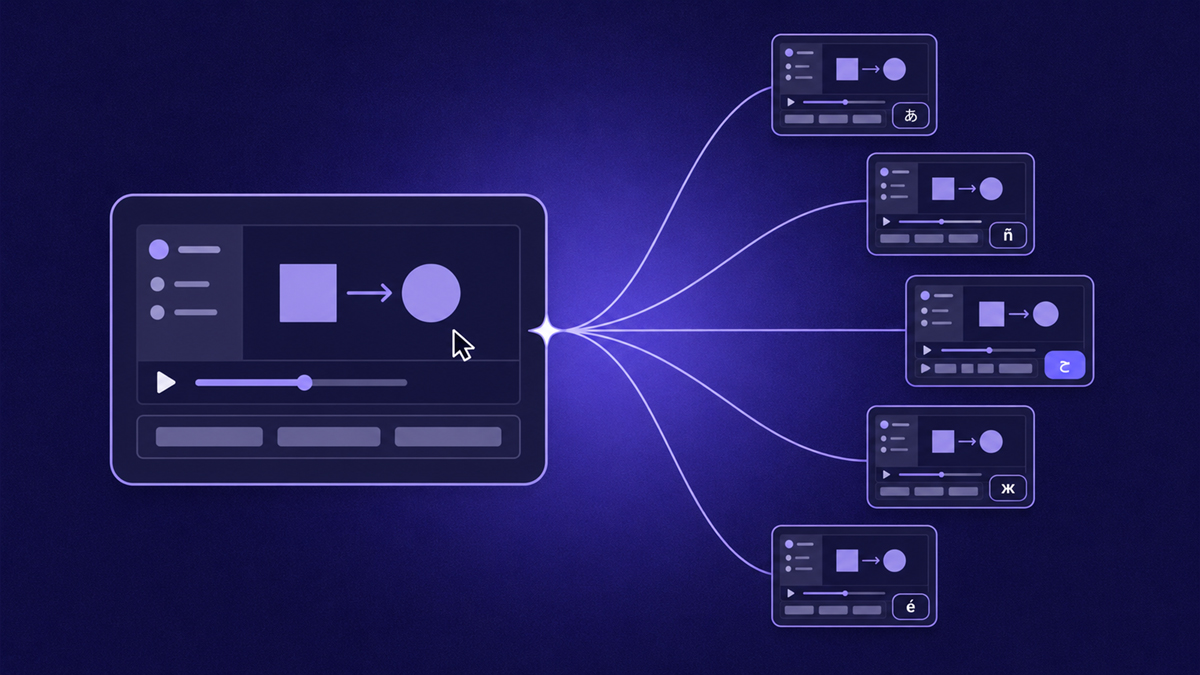
How to Translate a Video Into Any Language
How to translate a video: subtitle-only vs AI dubbing vs full localization, quality pitfalls to catch, and how to scale support content across languages.
 Workflow & product
AI Voiceover for Videos: How It Works and When to Use It
How AI voiceover for videos works, when synthetic narration beats recording yourself, script rules that prevent robotic reads, and where humans still win.
 Guides
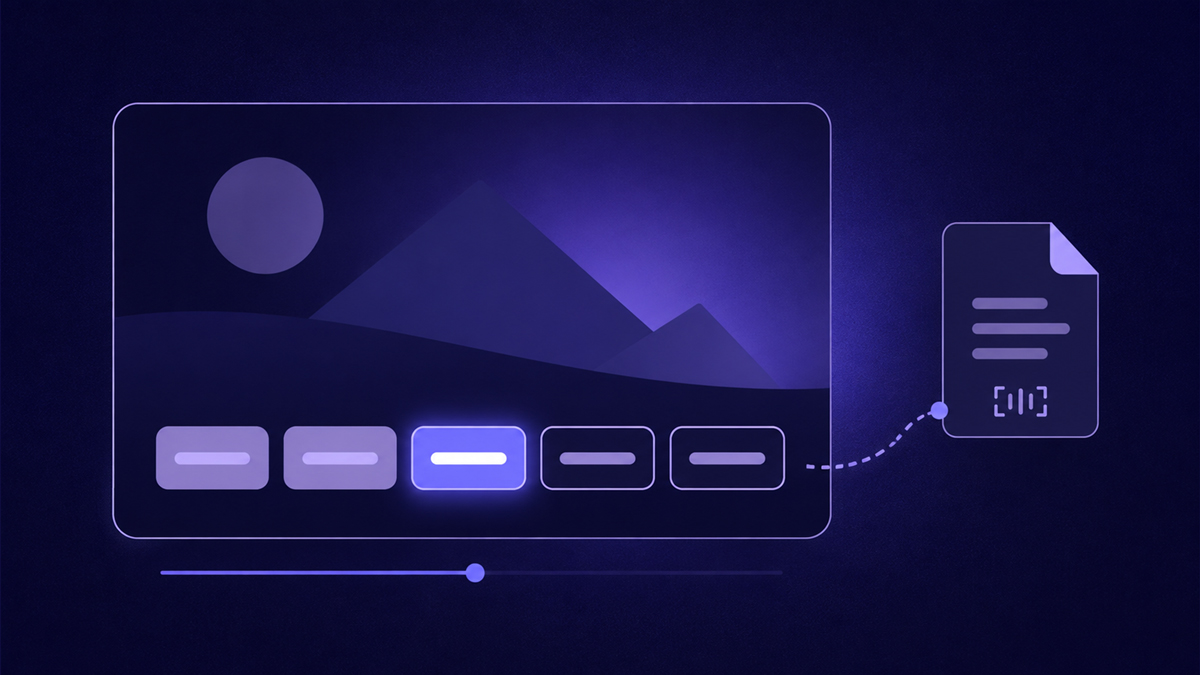
How to Add Captions to a Video (Every Method)
How to add captions to a video: burned-in vs SRT sidecar files, auto-captioning pitfalls and fixes, plus styling rules that keep captions readable.
 Guides
How to Remove Silence and Dead Time From Your Videos
Remove silence from video without gutting it: trim dead time, ramp loading spans, protect result reveals, or automate the balance with stepvideo's removal pass.
 Guides
How to Zoom In on a Screen Recording
Learn how to zoom in on a screen recording: manual keyframing, automatic click-follow zooms, ideal magnification and holds, and when zooming hurts clarity.
 Guides
How to Make Screen Recordings Look Professional
Make screen recordings look professional with a checklist: clean profiles, cursor discipline, zero dead air, click zooms, clear audio, and burned-in captions.
 Guides
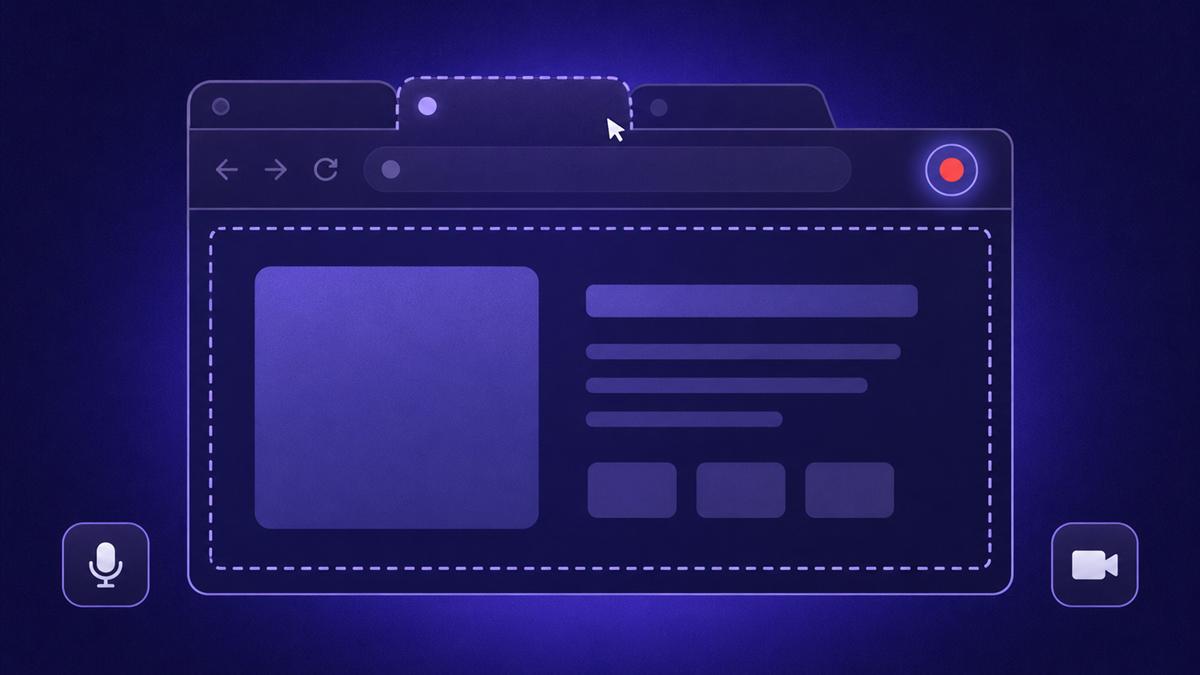
How to Screen Record in Chrome (Every Way)
Learn how to screen record on Chrome: Chromebook's built-in capture, web recorders, extensions, and OS fallbacks, plus the fastest route to polished results.